
HOW TO DEPOSIT ON POLYMARKET (US APP GUIDE)
How US traders fund Polymarket: deposit US dollars in the Polymarket US app after ID verification. Steps, what to check before you confirm, and the $10 bonus deposit.

Polymarket US · Deposit $10 get a $25 Trading Bonus!
WINClaim21+ · T&Cs apply
18+ Only. Restrictions and eligibility requirements apply. Not available in all jurisdictions. Trading is risky. 100% loss can occur. See polymarket.com/tos for more information. The Polymarket US App serves as an independent software provider and affiliate of Polymarket US and Polymarket Clearing, the CFTC-regulated exchange and clearing organization.

Polymarket US · Deposit $10 get a $25 Trading Bonus!
WIN
18+ Only. Restrictions and eligibility requirements apply. Not available in all jurisdictions. Trading is risky. 100% loss can occur. See polymarket.com/tos for more information. The Polymarket US App serves as an independent software provider and affiliate of Polymarket US and Polymarket Clearing, the CFTC-regulated exchange and clearing organization.
Last checked October 14, 2026
What's the minimum deposit on Polymarket?
Check the deposit screen in the Polymarket US app for the current minimum. To qualify for our offer, deposit $10 and you get a $25 trading bonus.
TL;DR:
US readers fund Polymarket in US dollars inside the Polymarket US app: download the app, complete full ID verification, tap Deposit, pick one of the payment options the app offers and confirm. No crypto and no exchange account needed. Fees, minimums and arrival times are shown on the deposit screen — check it before you confirm.
Polymarket US takes US dollars
Like Kalshi, the US product is a CFTC-regulated exchange: Polymarket US funds and trades in US dollars, with trades cleared by Polymarket Clearing. It's available in 49 states plus D.C. (not Nevada). See Polymarket vs Kalshi if you're still choosing between the two. (The international polymarket.com site, which is not for US users, uses USDC — nothing in this guide applies to it.)
Three steps, start to finish:
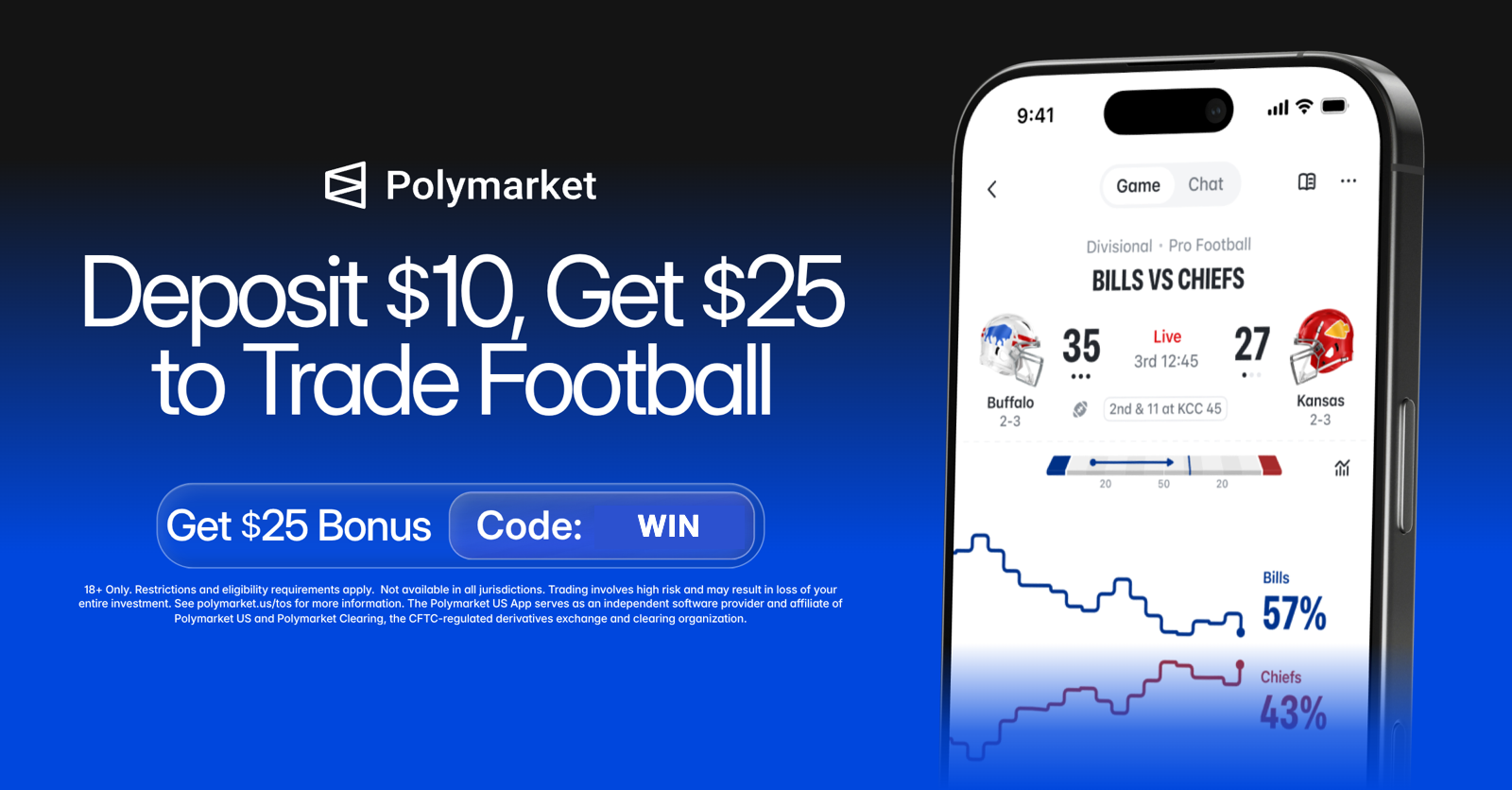
Polymarket: deposit $10, get a $25 trading bonus with code WIN
18+ Only. Restrictions and eligibility requirements apply. Not available in all jurisdictions. Trading is risky. 100% loss can occur. See polymarket.com/tos for more information. The Polymarket US App serves as an independent software provider and affiliate of Polymarket US and Polymarket Clearing, the CFTC-regulated exchange and clearing organization.
Step 1 — Download the app and verify your ID
Install the app, create an account and complete full ID verification. You need to be in one of the 49 supported states or D.C.; Nevada is excluded.
Do this first: verification is required on every US account, so it's the step to finish before you worry about funding.
Step 2 — Add dollars from the deposit screen
In the app, tap Deposit, choose one of the payment options listed for your account and enter the amount in dollars. To unlock the offer, deposit at least $10 — that's what triggers the $25 trading bonus.
Before you confirm, read the deposit screen: it shows any fee, the minimum and the expected arrival time for the method you picked. We don't quote those numbers here because they depend on the method and can change.
Step 3 — Confirm and wait for it to clear
Confirm the deposit. How quickly it lands depends on the payment method — the app tells you what to expect before you confirm and shows the status afterwards.
If a deposit doesn't show up in the time the app quoted, contact Polymarket US support before trying again, so you don't fund the account twice.
After it arrives
Your dollar balance shows up in the Polymarket US app once the deposit clears. You can now place trades. Ready? See the full Polymarket tutorial.
Sources & references
Frequently asked questions
What's the minimum deposit on Polymarket?
Check the deposit screen in the Polymarket US app for the current minimum. To qualify for our offer, deposit $10 and you get a $25 trading bonus.
Do I need crypto to deposit on Polymarket?
No. For US users, Polymarket US is funded and traded in US dollars inside the app. You don't need crypto or an exchange account.
How long does a Polymarket deposit take?
It depends on the payment method you choose. The app shows the expected arrival time on the deposit screen before you confirm.
Which payment methods can I use to deposit?
Check the deposit screen in the Polymarket US app for the options currently offered to your account. We don't list them here because they can change.
Already have Polymarket? Add a second app
- ProphetX: Trade $50, Earn $75! (code
WINPREDICTS) · 49 states + D.C. Claim on ProphetX
New users only. T&Cs apply. ProphetX's minimum age is 18 (or the local age of majority if higher); we recommend 21+. Not available in Nevada. Trading involves risk. - OG: Trade $25 Get $25 in Rewards! (New users only) (code
WINPREDITCS) · 42 states + D.C. Claim on OG
Paid partnership with OG. Terms and conditions apply. Trading derivatives involves risk and may not be appropriate for all. Availability subject to jurisdictional limitations. For more information, visit: OG.com.
21+ · T&Cs apply · Terms
18+ Only. Restrictions and eligibility requirements apply. Not available in all jurisdictions. Trading is risky. 100% loss can occur. See polymarket.com/tos for more information. The Polymarket US App serves as an independent software provider and affiliate of Polymarket US and Polymarket Clearing, the CFTC-regulated exchange and clearing organization.


